
Every language, side by side
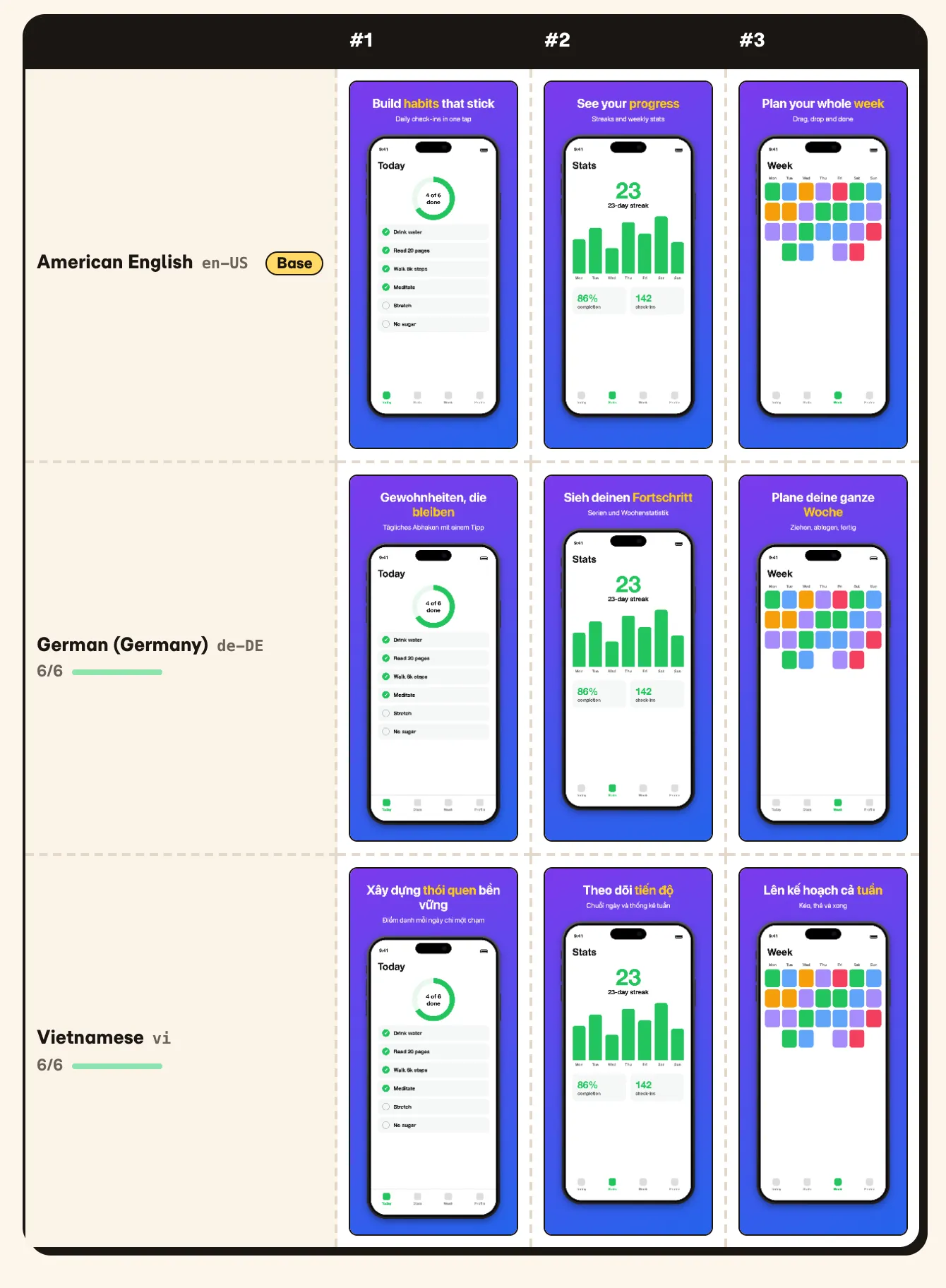
Add the locales you ship and fill in only what changes; empty fields fall back to the base language. The Locales view draws every screenshot in every language with the real export renderer.
Free · No sign-up · Runs in your browser
Drop in your app's screens, frame them in iPhone, iPad and Android devices, write headlines in every language you ship and export exact-size files for App Store Connect and Google Play. Everything runs, and stays, in your browser.
No account. Your images never leave your device.
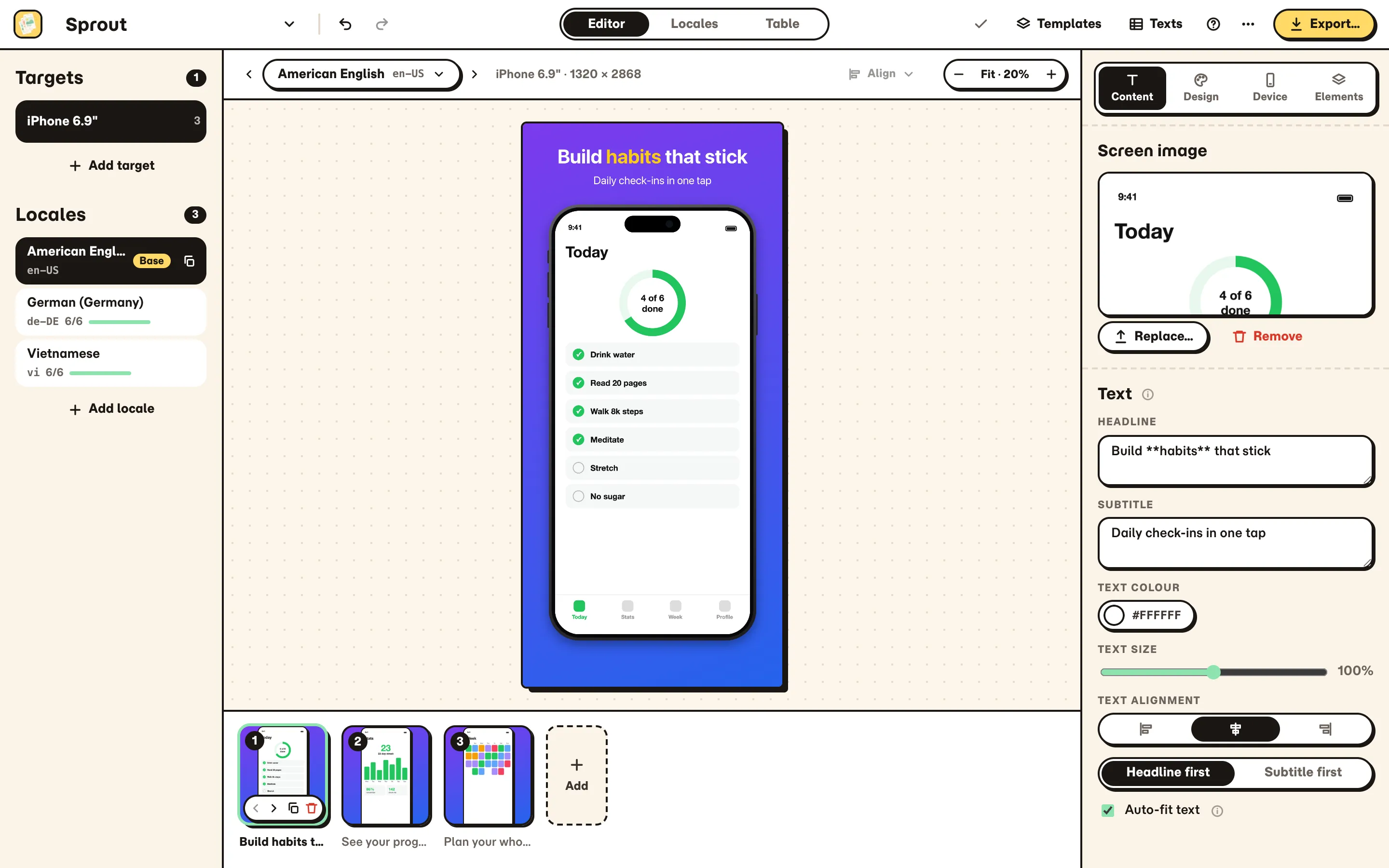
Add the locales you ship and fill in only what changes; empty fields fall back to the base language. The Locales view draws every screenshot in every language with the real export renderer.
iPhone with Dynamic Island or notch, iPad 13" and Android phones and tablets, drawn in code. Sharp at every export size, no mockup bitmaps.
Bold, Minimal, Gradient, Panoramic, Dark, Editorial, Pop and Alternating restyle the whole set as one undo step, previewed on your own screens.
Auto-fit shrinks long headlines, never below half size, until they fit in every locale and size. Wrap a word in ** to highlight it.
Before the ZIP is built, SnapWright lists missing images, empty or untranslated text, overflow, low-resolution screens and store count limits.
Exact App Store and Google Play sizes as PNG or JPEG. PNGs have no alpha channel, and the Fastlane layout drops straight into deliver and supply.
Export every headline and subtitle as CSV or XLSX, send it out and import it back. New language columns become new locales, in one undo step.
Add an image to each screenshot, or drop a folder per locale: en/01.png, vi/01.png…
Restyle every screenshot at once, then tweak backgrounds, frames and layout.
Headlines and subtitles per locale, or round-trip a CSV or XLSX with your translators.
Run the pre-export check and download one ZIP with every size and language.
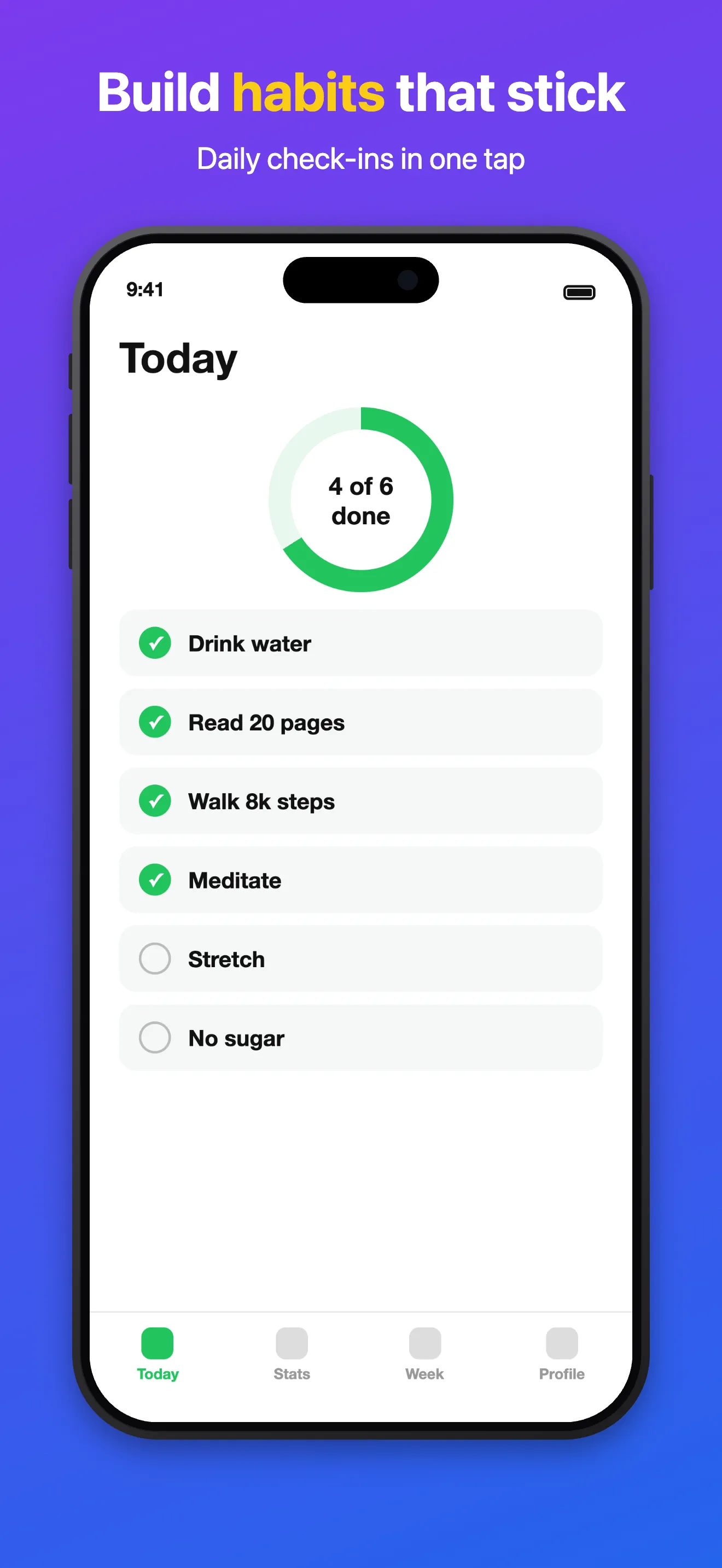
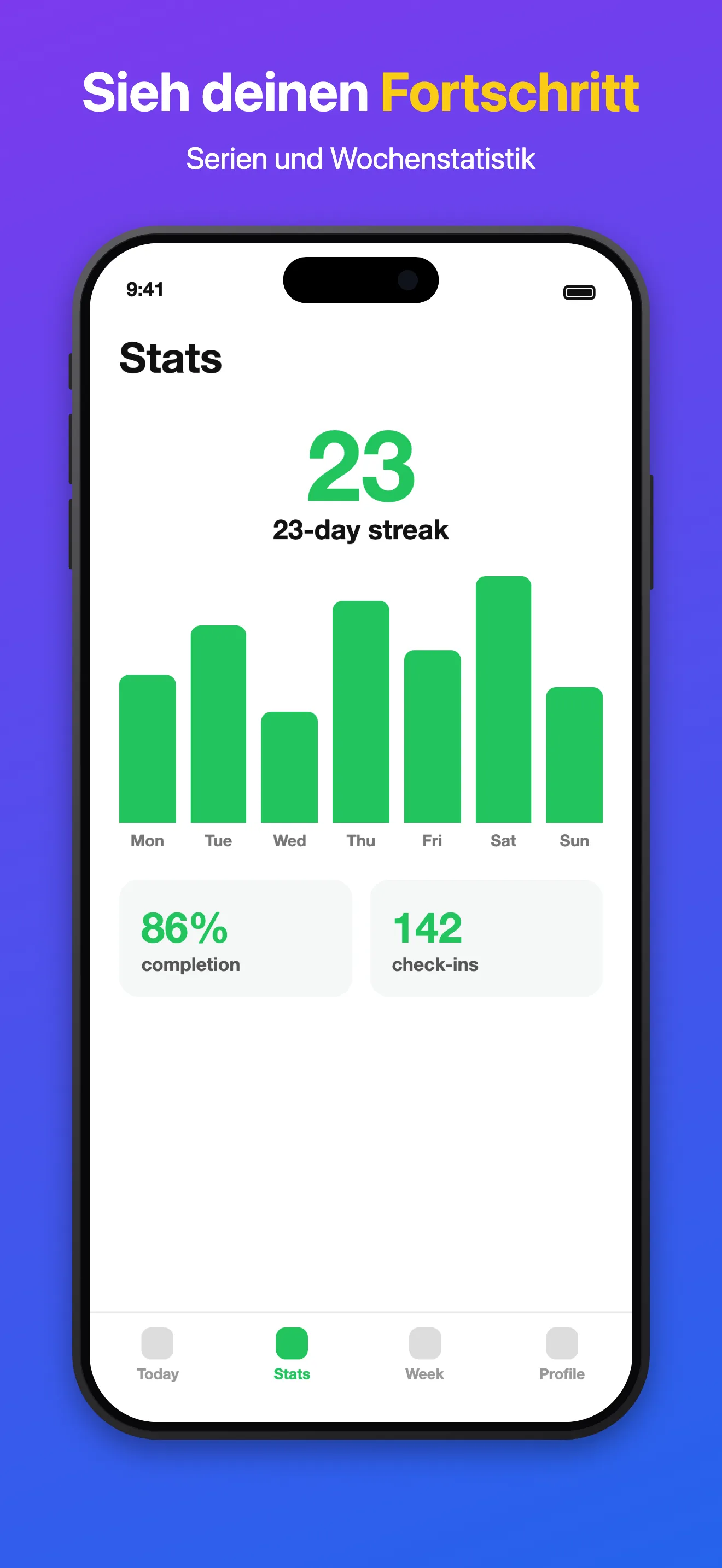
Real exported files: one project, three screens, three languages.
No backend, no account, no upload: SnapWright runs entirely in your browser.
Projects, images and fonts are saved in your browser's storage. Back up any project as one JSON file.
The only outside requests go to Google Fonts, for the interface fonts and any Google Font you pick.
Yes. There is no account and no subscription; open the app and start.
No. Everything is processed in your browser and saved to its local storage. Nothing is sent to a server.
iPhone 6.9", 6.5" and Duo, iPad 13", Android phone and 7" and 10" tablets, plus the 1024 × 500 Google Play feature graphic, at the exact sizes the stores specify, as PNG or JPEG.
SnapWright writes PNGs without an alpha channel at the exact pixel sizes App Store Connect lists, which avoids the common transparency and size rejections.
Yes. Choose the Fastlane layout in Bulk ZIP to get fastlane/screenshots/… for deliver and fastlane/metadata/android/… for supply, with each store's own locale codes.
As many as you ship. One is the base language; empty fields in the others fall back to it.
Projects live only in that browser, so clearing site data or switching browsers loses them. Use More actions › Export project JSON to keep a backup you can import anywhere.
Open SnapWright, drop in your screens and export a complete set for both stores.
Open SnapWright